
I came across a strange issue a few weeks ago when working with AWS IoT Core. I had a topic rule that deployed without any errors and showed as enabled in the console, but it simply never fired. No error, nothing in the logs, no data downstream.
Here’s the rule:
SELECT *
FROM 'sensors/+/v1/+/+'
WHERE topic(4) IN ['mobile', 'web']
  AND topic(5) IN ['orderCreated', 'orderUpdated']
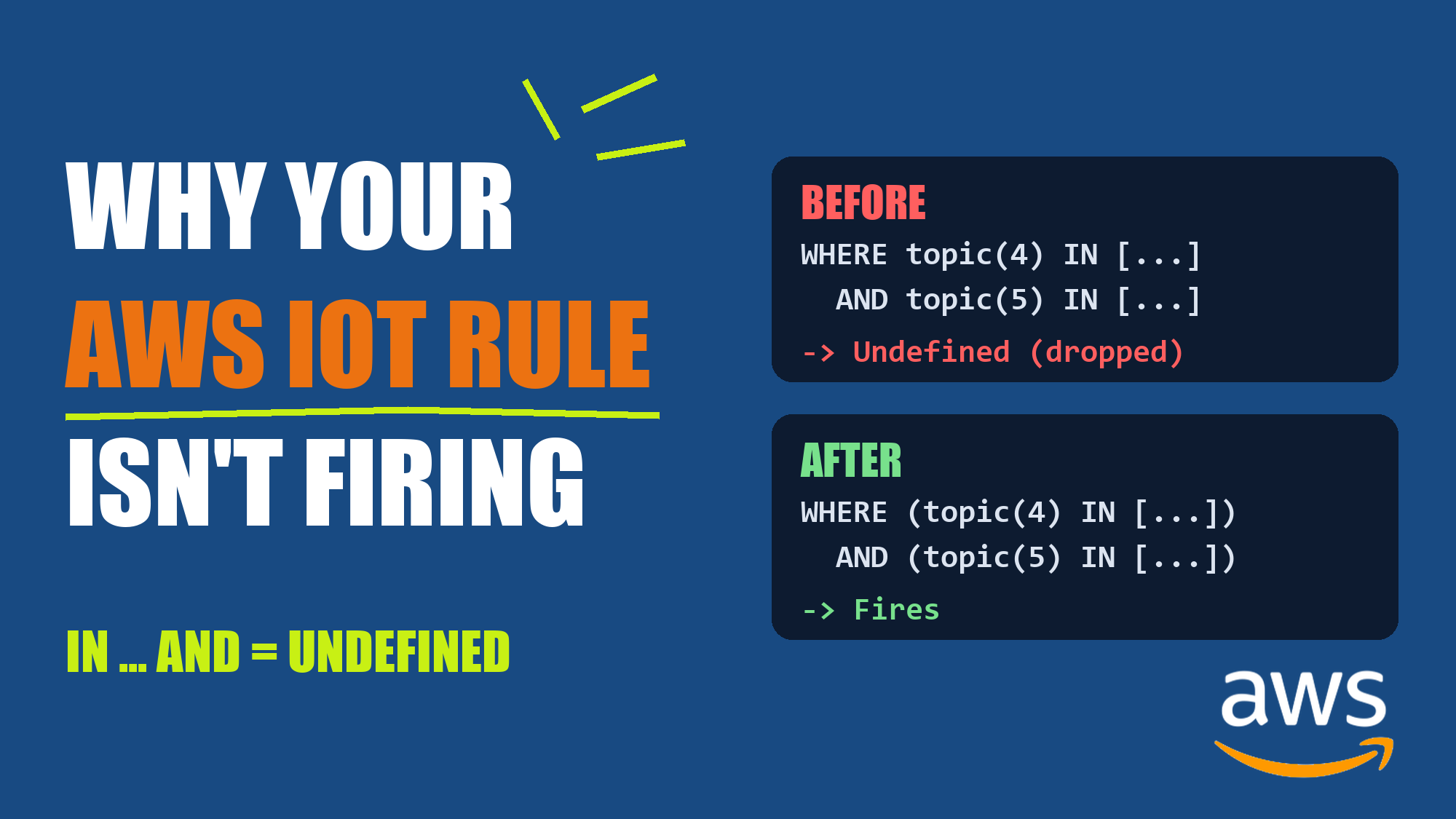
It turns out that an IN expression followed by AND makes the whole WHERE clause evaluate to Undefined, and the message gets silently dropped. The fix is just a pair of parentheses. Here’s to share how I found it, why it happens, and how to spot it in the logs.
The Problem
Messages published to sensors/42/v1/mobile/orderCreated matched the topic filter, but the rule action never ran.
At first glance, you might think this is a wildcard issue. The FROM clause ends with +, the WHERE clause filters on that exact position, and a similar rule with a literal last segment worked fine. That was my first guess too. However, it turned out to be wrong. So what was actually going on?
Finding the Real Error
By default, a rule that silently drops messages gives you nothing to go on. So the first step is to turn on DEBUG logging for AWS IoT Core:
aws iot set-v2-logging-options \
  --role-arn arn:aws:iam::YOUR_ACCOUNT_ID:role/YOUR_IOT_LOGGING_ROLE \
  --default-log-level DEBUG
After publishing a test message, I checked the AWSIotLogsV2 log group and found this:
RuleMatch      INFO   Success
RuleExecution  DEBUG  Success   "Message does not satisfy WHERE clause condition"
RuleExecution  ERROR  Failure   ruleAction=EvaluatingWhereClause  "Undefined result"
The last line is the important one. The WHERE clause didn’t evaluate to false. It evaluated to Undefined, and the message was dropped.
Note: Don’t forget to turn DEBUG logging off when you’re done (--default-log-level DISABLED or your usual level). It’s noisy, and you pay for the log volume.
Narrowing It Down
The tricky part was that my “working” and “broken” rules differed in two ways at the same time:
- The last FROM segment was a literal in one and a
+in the other. - The WHERE clause had one condition in one and two conditions joined with
ANDin the other.
So I created a bunch of rules that each changed only one thing, all on SQL version 2016-03-23, and published the same message to each of them:
| WHERE clause | Result |
|---|---|
topic(5) IN ['orderCreated', 'orderUpdated'] |
Fires |
topic(5) = 'orderCreated' |
Fires |
topic(4) = 'mobile' AND topic(5) = 'orderCreated' |
Fires |
topic(4) IN [...] OR topic(5) IN [...] |
Fires |
topic(5) = 'orderCreated' AND topic(4) IN [...] |
Fires |
topic(4) IN [...] AND topic(5) = 'orderCreated' |
Undefined |
topic(4) IN [...] AND topic(5) IN [...] |
Undefined |
(topic(4) IN [...]) AND (topic(5) IN [...]) |
Fires |
Wildcards weren’t the problem at all. topic(N) resolved correctly with trailing +, consecutive +, multi-level #, and short filters like a/+.
The pattern is clear: an IN expression without parentheses, followed by AND.
Minimal Reproduction
Once I knew what to look for, I was able to strip away everything else. No topic(), no wildcards, no payload:
-- Undefined, message dropped
SELECT * FROM 'a/b' WHERE 'mobile' IN ['mobile', 'web'] AND 1 = 1

-- Fires
SELECT * FROM 'a/b' WHERE 1 = 1 AND 'mobile' IN ['mobile', 'web']

-- Fires
SELECT * FROM 'a/b' WHERE ('mobile' IN ['mobile', 'web']) AND 1 = 1

-- Fires
SELECT * FROM 'a/b' WHERE 'mobile' IN ['mobile', 'web']
A few more things I found along the way:
- It’s positional.
INbeforeANDfails, butINas the last term works. ORis not affected. OnlyANDtriggers it.- It’s not about array literals. Using an array from the payload (
WHERE topic(4) IN allowed AND ...) fails the same way. - The data doesn’t matter. It returns
Undefinedwhether the conditions should be true or false. - The rule action doesn’t matter. Republish, CloudWatch Logs, and Lambda actions all behave the same.
Why Does This Happen?
I can’t see how the IoT SQL parser works internally, and I couldn’t find this documented anywhere. So this part is my best guess. Let’s break it down step by step:
1. IN Seems to Bind More Loosely Than AND
This expression:
X IN [list] AND Y
appears to be parsed as:
X IN ([list] AND Y)
2. AND With Non-Boolean Operands Returns Undefined
According to the AWS IoT SQL operators reference, AND returns Undefined when its operands aren’t Boolean. So [list] AND Y becomes Undefined.
3. Undefined Spreads to the Whole Clause
X IN Undefined is also Undefined, so the entire WHERE clause is Undefined and the message is dropped.
This explains everything I observed. When IN is the last term, there’s nothing after it to get pulled in. Parentheses force the intended grouping. And since the failure happens before any values are compared, the data never matters.
Fixing the Rule
To solve this, wrap each IN condition in parentheses:
SELECT *
FROM 'sensors/+/v1/+/+'
WHERE (topic(4) IN ['mobile', 'web'])
  AND (topic(5) IN ['orderCreated', 'orderUpdated'])
Key Changes:
- Wrap
topic(4) IN [...]in parentheses. - Wrap
topic(5) IN [...]in parentheses.
That’s it. The trailing wildcards stay, and you don’t need to split the rule into multiple rules.
Technically, only the IN that comes before an AND needs parentheses. But I’d still recommend wrapping every IN, so the rule stays correct if you reorder or add conditions later.
Reading the Logs: False vs. Undefined vs. Action Failure
The most useful thing I learned from this was how to tell different failures apart in the DEBUG logs.
1. Rule Fired Normally
RuleMatch              INFO   Success
StartingRuleExecution  DEBUG  Success   ruleAction=LambdaAction
RuleExecution          INFO   Success   ruleAction=LambdaAction
2. WHERE Clause Was Actually False
RuleMatch              INFO   Success
RuleExecution          DEBUG  Success   "Message does not satisfy WHERE clause condition"
3. WHERE Clause Couldn’t Be Evaluated (This Issue)
RuleMatch              INFO   Success
RuleExecution          DEBUG  Success   "Message does not satisfy WHERE clause condition"
RuleExecution          ERROR  Failure   ruleAction=EvaluatingWhereClause  "Undefined result"
4. WHERE Clause Passed, but the Action Failed
For example, a missing Lambda invoke permission:
RuleMatch              INFO   Success
StartingRuleExecution  DEBUG  Success   ruleAction=LambdaAction
RuleExecution          ERROR  Failure   ruleAction=LambdaAction
   "iot.amazonaws.com is unable to perform: lambda:InvokeFunction on resource: ..."
Two things tell them apart:
StartingRuleExecution: if it’s there, the WHERE clause passed and the action was attempted. If it’s missing, look at your WHERE clause.ruleActionon the ERROR entry: it tells you which stage failed, eitherEvaluatingWhereClauseor the action itself.
One related gotcha: Lambda invoke permissions for IoT rules are granted per rule, using the rule ARN as the SourceArn. AWS SAM’s IoTRule event creates this permission for you, but a rule you create by hand for testing won’t have one. You can check with:
aws lambda get-policy --function-name YOUR_FUNCTION
Key Takeaways
- Is your IoT rule silently not firing?
- Turn on DEBUG logging and look for
EvaluatingWhereClausewith"Undefined result".
- Turn on DEBUG logging and look for
X IN [...] AND Yevaluates toUndefined:- This happens when the
INisn’t wrapped in parentheses and is followed byAND.ORisn’t affected.
- This happens when the
- Wrap every
INin parentheses:(X IN [...]) AND Yworks as expected.
topic()works fine with wildcards:- Trailing, consecutive, and multi-level wildcards all resolved correctly in both SELECT and WHERE.
- Change one thing at a time when debugging:
- The obvious suspect here (trailing wildcards) turned out to be innocent.
Final Thoughts
A rule that gets accepted, shows as enabled, and quietly does nothing is one of the worst kinds of bugs, because nothing tells you it’s broken until data goes missing.
A few caveats: I only tested SQL version 2016-03-23 in a single region. I also haven’t checked whether the ERROR entry shows up at log levels below DEBUG, or whether any CloudWatch metric counts this failure. AWS might change this behavior in the future, so it’s worth re-running the minimal repro above if you’re reading this later.
I hope this saves someone a few hours of debugging. Let me know in the comments if you run into the same issue or find anything different! :)